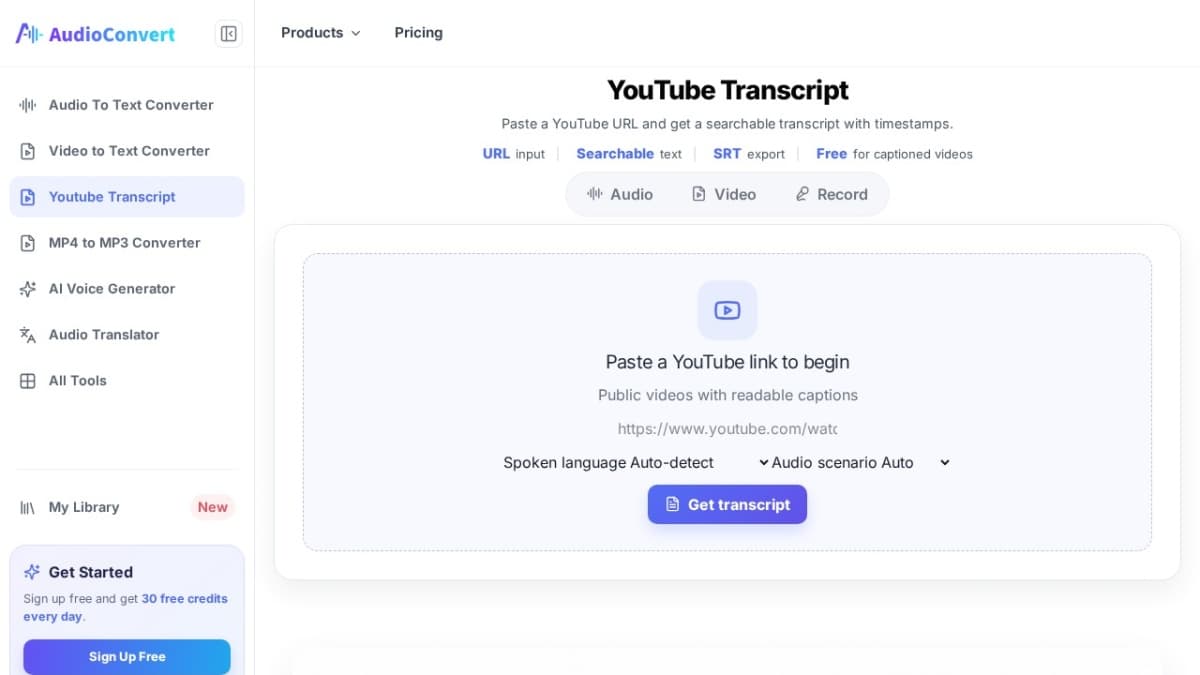
YouTube Transcript
YouTube Transcript on audio-convert.app retrieves existing captions for notes and quotes.
Audio Convert’s YouTube Transcript page is a lightweight caption helper. Paste a public YouTube URL, pull the captions that are already attached to the video, and copy them for editing or study. It clearly states it does not generate speech-to-text when captions are missing. It is not a speech-to-text engine and will not invent words when a video has no captions. Use it when you need the real caption track for notes, quotes, or translations. Free to try in the browser. Details and the tool itself are at https://audio-convert.app/youtube-transcript.
Visit Website
Explore YouTube Transcript and its features on their official website.
Visit Site
YouTube Transcript Alternatives Free and Paid
Explore other popular AI tools for Audio.
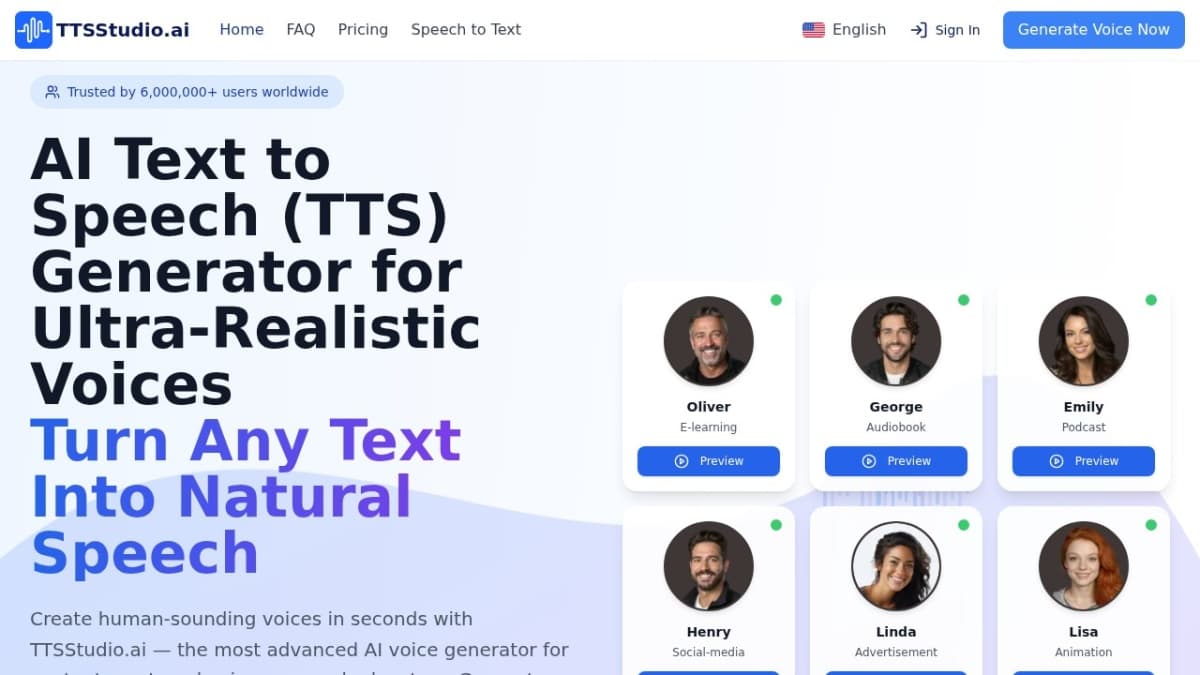
TTS Studio AI
Create lifelike AI voiceovers from scripts: 1,500+ voices, 30+ languages, SSML control, MP3/WAV export and optional SRT captions.

Loquendo
Loquendo is a browser AI text-to-speech studio for English and Spanish: pick a narrator, generate up to 500 characters free and download your audio as MP3.

Audio Enhancer
Free online AI audio enhancer for clearer speech and background noise reduction.
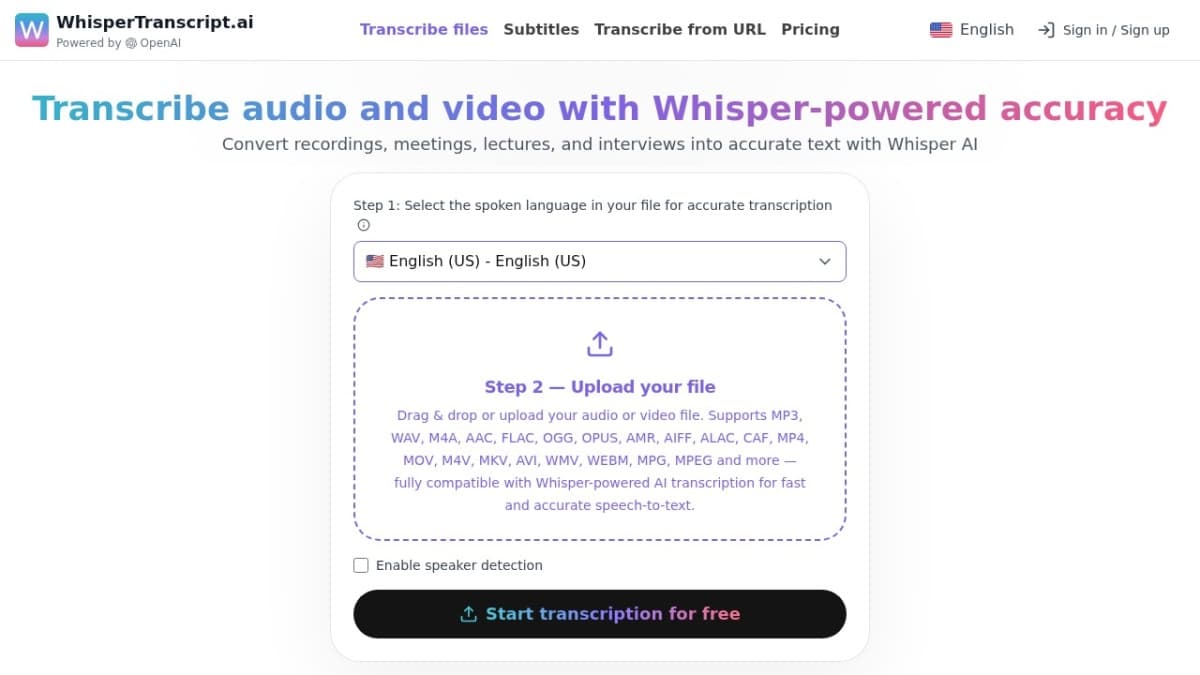
WhisperTranscript.ai
Speaker-labeled interview transcription in 134+ languages, with SRT, VTT, DOCX, PDF and TXT exports.