
Remove AI Label
Clears AI labels, content credentials, and hidden photo metadata in the browser before a still goes online.
Remove AI Label runs in the browser. You open a photo, and the file is read on your own machine. The picture can look finished while the file still holds a capture time, a location, the name of the app that exported it, and a content-credential block that some networks use when they add an AI label.
Those notes survive more edits than people expect. A crop, a smaller JPEG, or a pass through a chat app does not always drop them. The original stays in your folder. You make one copy for the post, the client folder, or the marketplace listing.
On that copy, the tool clears the fields that should not travel with the pixels and writes a clean file you can download. Open the result once and confirm the location and the credential block are gone before you upload.
It is meant for creators, photographers, and anyone publishing stills. There is no account and no upload to a server.
Visit Website
Explore Remove AI Label and its features on their official website.
Visit Site
Remove AI Label Alternatives Free and Paid
Explore other popular AI tools for Productivity.

Presenti AI
Presenti is an AI-powered tool that automatically creates, designs, and beautifies PowerPoint presentations from text, outlines, or links, offering customizable templates and smart design suggestions.

Iceberg
Iceberg is an AI-driven fundraising assistant that acts like your full-time fundraising co-pilot, replacing manual research, cold outreach, and investor tracking with one intelligent chat interface
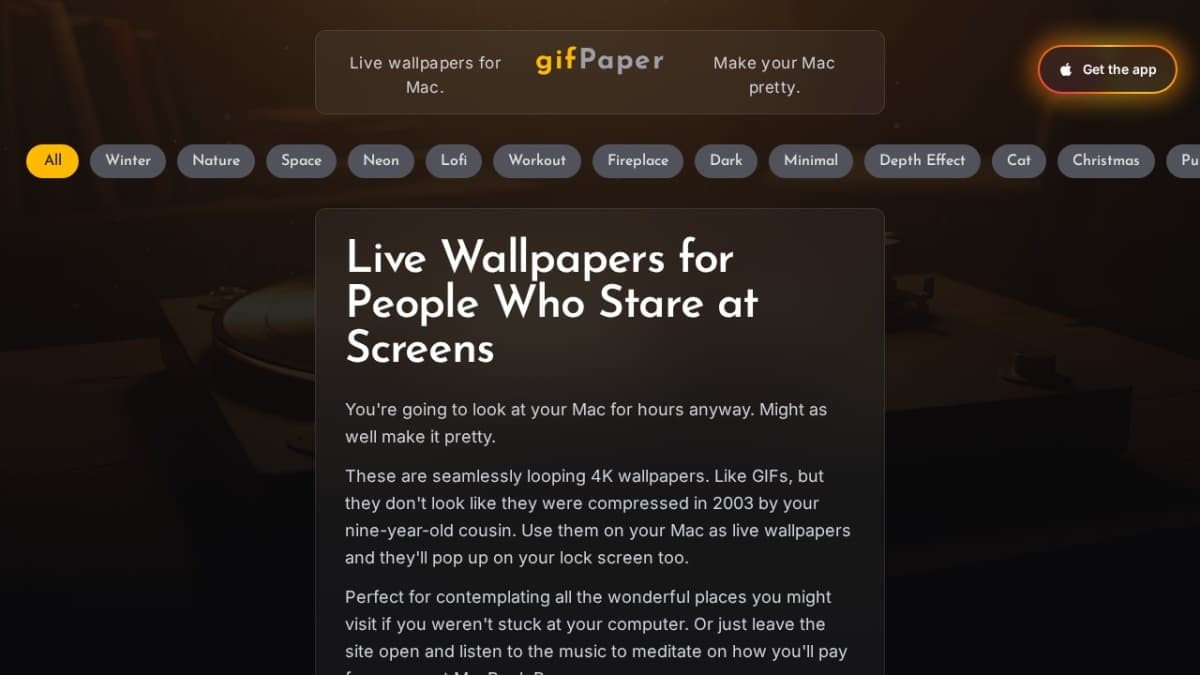
gifPaper
gifPaper lets you set custom live wallpapers on your Macʼs lock screen, desktop, and screen saver using Appleʼs native Aerial format for smooth, battery-friendly performance

HuiBaoJia
AI-powered foreign trade quotation tool — bilingual quotes in 30 seconds